
Marketplace
The Marketplace is the SnapsVault web app. It lists the current snapshots of every contributor, mainnet and testnet, in one place, and shows what is needed to download and check one. This page covers searching and filtering, the card and table views and the snapshot page.
Freshness
The list refreshes every 5 minutes and the data is synced from the contributor feeds every 2 minutes, so a new snapshot appears within a few minutes.
Search and filter
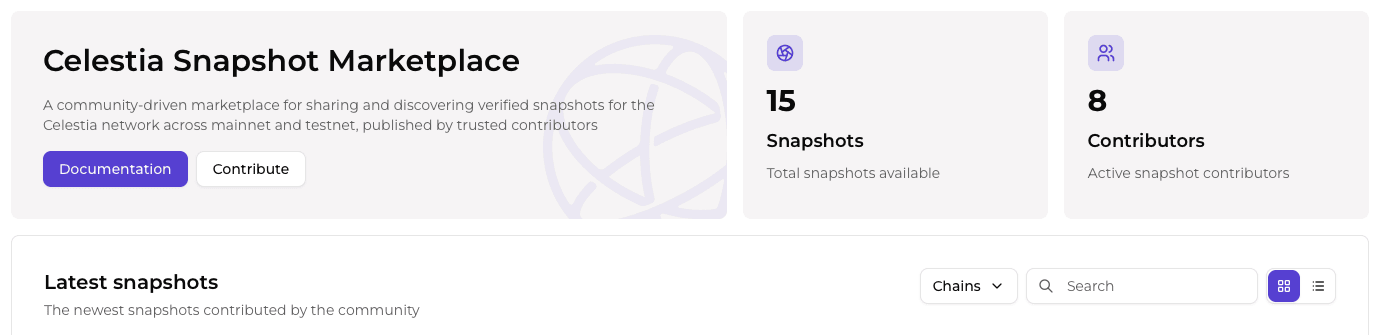
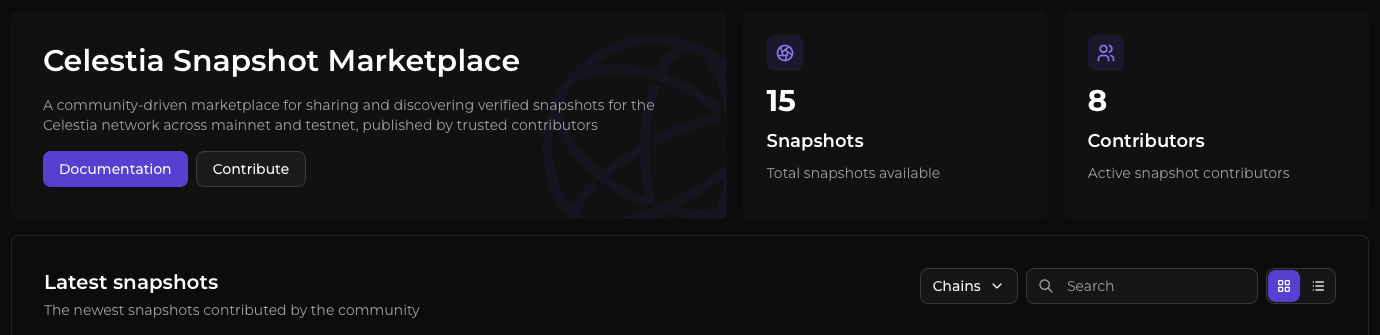
The Latest snapshots list has a toolbar:
| Element | Behavior |
|---|---|
| Search box | Free text over network, chain, type, contributor and height |
| Chains filter | All chains, Mainnet or Testnet, with a count per option |
| View toggle | Cards or table. The choice is remembered in the browser. |
Card and table view
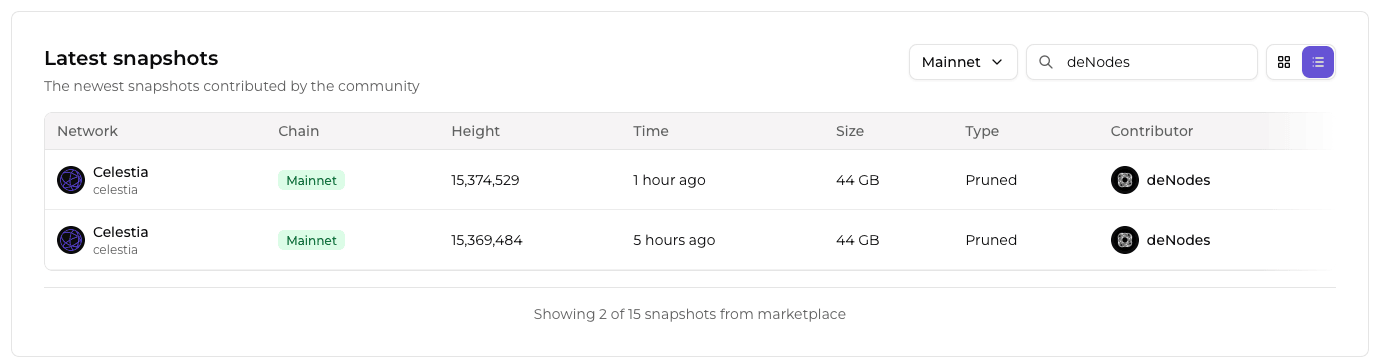
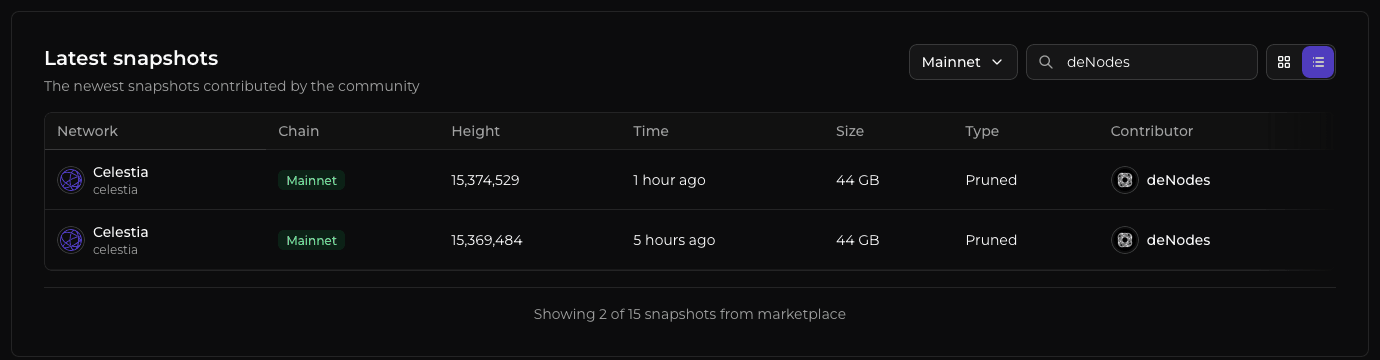
Each card shows the network and chain ID, a Mainnet or Testnet badge, height, relative time (the full date is in a tooltip), size, type and contributor. The table view has sortable columns. Its Network column holds the network name and its Chain column holds the Mainnet or Testnet badge.
Snapshot page
Opening a card or row shows the snapshot page.
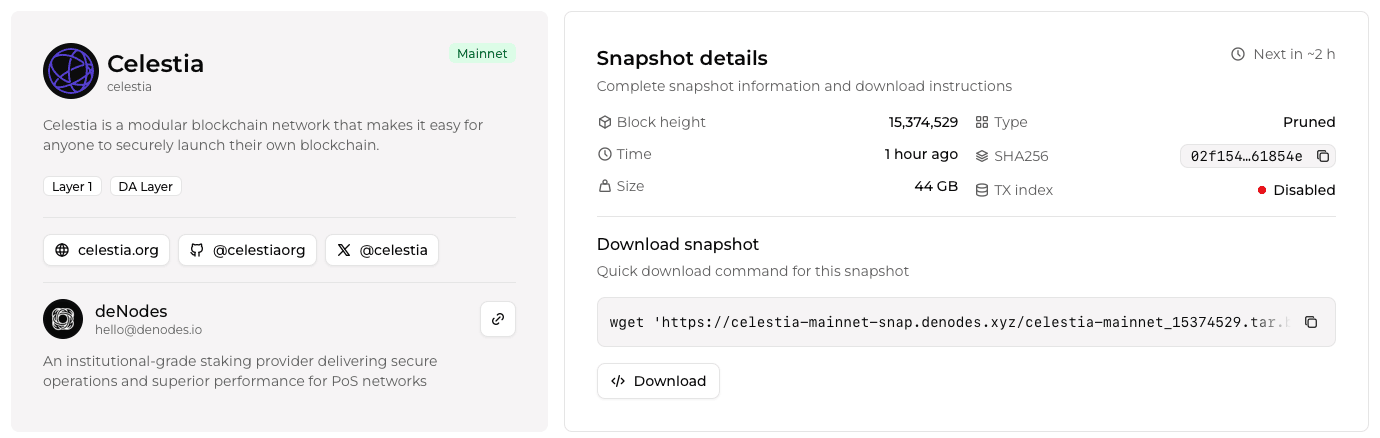
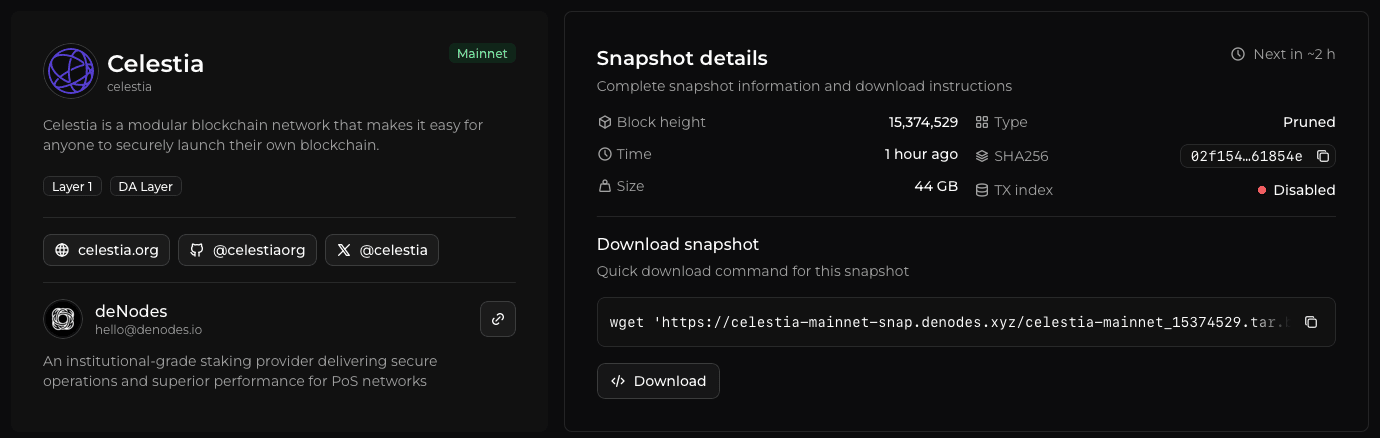
| Item | Meaning |
|---|---|
| Block height, time, size, type | As published in the feed |
| SHA256 | Shown shortened with a copy button when the feed publishes it, otherwise "N/A" |
| TX index | Enabled or Disabled, as set by the contributor |
| Next update | Estimated from the snapshot time plus the update period the contributor declares |
| Download snapshot | A wget line to copy and a Download button for the same URL, which is on the contributor's own server |
| Contributor panel | Name, description and contact links when the contributor listed them |
| More snapshots | Up to 12 related current snapshots: same chain ID first, then the same contributor on other chain IDs |
Large snapshot files
The wget -c command from the download steps resumes an interrupted download.
Time zones
The Marketplace shows every date and time in the viewer's local time zone, and hovering one shows the same moment in UTC. The CLI prints times in UTC, and the API returns ISO 8601 values in UTC.
Next steps
- Quickstart: download, verify and restore a node
- SnapsOS CLI: the same data in a terminal
- REST API: the same data for scripts
- How it works: how a snapshot gets from a feed to a listing
- Contribute snapshots: publish your own snapshots